
 Table of Contents
Most user satisfaction surveys produce a number — but as our customer feedback survey guide makes clear, a score without context rarely tells you what to do next. The examples and templates that actually drive action are the ones designed to surface the story behind the rating: what went wrong, what delighted someone, and what would make them stay. This guide gives you real-world examples, ready-to-use templates, and the design logic behind each so you can build satisfaction surveys that lead to decisions, not just dashboards.
Let’s be honest: most satisfaction surveys suck.
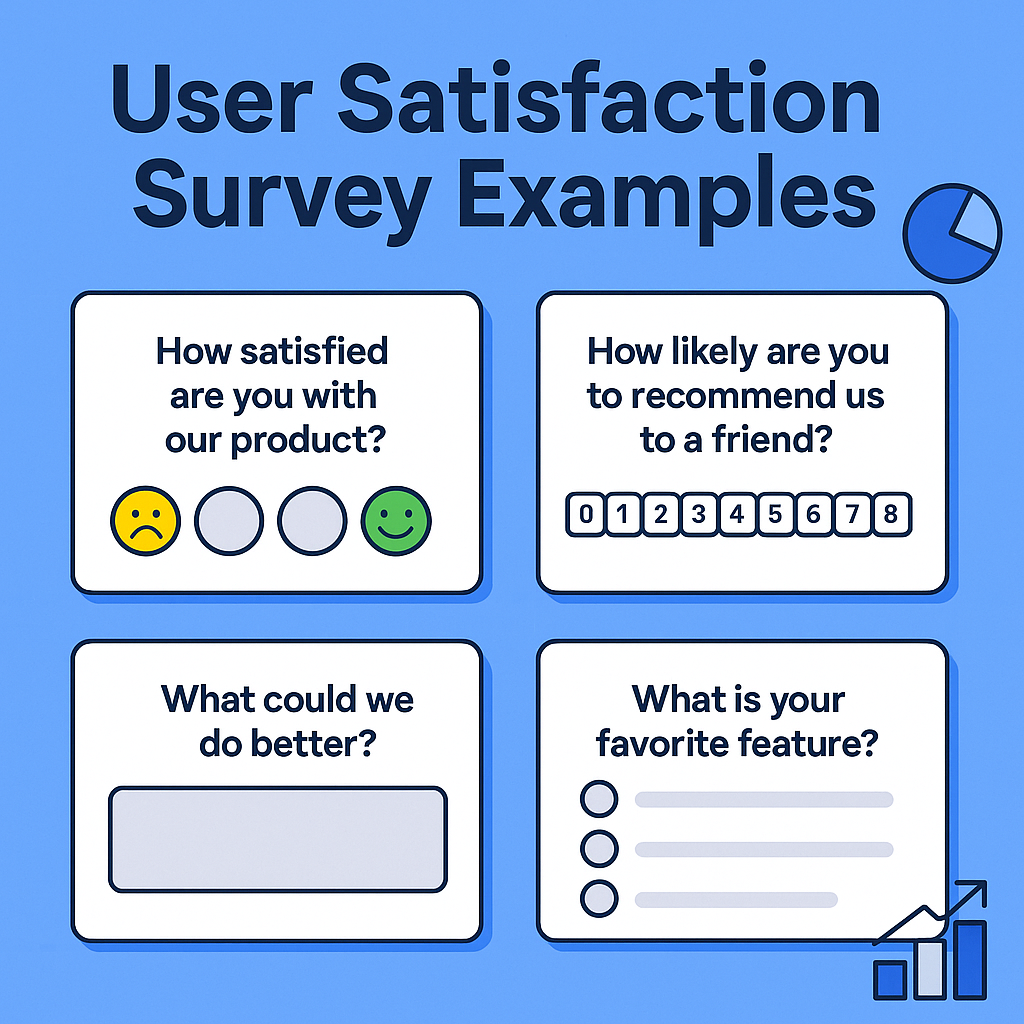
They’re packed with vague questions like “How satisfied are you with our product?” and end with a lonely “Any other feedback?” box. Sure, they gather a few star ratings—but rarely spark real action.
Great surveys are brief, well-timed, and feel like a natural part of the user journey. When designed right, they surface not just sentiment, but stories, motivations, friction points—and even product ideas. In this guide, you’ll get tested and research-backed satisfaction survey examples that actually help you build better products.
When to ask: After 1–2 weeks of use, or on a regular basis (monthly, quarterly)
Purpose: Understand general sentiment and track changes over time.
Example questions:
| Type | Example |
|---|---|
| Rating | Overall, how satisfied are you with [Product]? |
| Open-ended | What’s the most valuable thing [Product] helps you do? |
| Value clarity | Has [Product] made your job or life easier? How? |
| Loyalty trigger | If you could no longer use [Product], what would you miss most? |
| Experience gap | What’s one thing we could do to make your experience better? |
Pro Tip: Ask for “what made you choose us?” or “what nearly stopped you from signing up?” to get deep context on motivation and hesitation.
When to ask: After sign-up, activation, or first key task
Purpose: Surface early friction and reduce first-week churn.
Example questions:
| Type | Example |
|---|---|
| Ease of use | How easy was it to get started? |
| Friction points | Was anything unclear or confusing during setup? |
| Expectation check | Did onboarding match what you expected when signing up? |
| Time-based | How long did it take you to complete setup? |
| Emotional | Did you feel confident getting started? |
Follow-up: Ask “What could we have explained better?” if satisfaction is low.
When to ask: After using a feature or completing a task
Purpose: Evaluate usefulness and identify missing functionality.
Example questions:
| Type | Example |
|---|---|
| Utility | What were you trying to accomplish with [Feature]? |
| Expectation | Did the feature work the way you expected? |
| Usefulness | On a scale of 1–5, how useful is [Feature] for your workflow? |
| Improvement | What’s one thing you'd add or improve about this feature? |
| Confidence | Did you feel confident using this feature without help? |
Bonus: Ask “What surprised you about this feature?” to uncover delight or confusion.
When to ask: Immediately after a support ticket or chat closes
Purpose: Evaluate your support team and identify breakdowns.
Example questions:
| Type | Example |
|---|---|
| Resolution | Did we fully resolve your issue today? |
| Satisfaction | How satisfied are you with the support you received? |
| Professionalism | Was the support team friendly and respectful? |
| Timeliness | Did you receive help in a reasonable amount of time? |
| Suggestion | What could we have done better in this interaction? |
When to ask: Quarterly, post-upgrade, or during renewal cycles
Purpose: Gauge emotional connection and identify churn risks.
Example questions:
| Type | Example |
|---|---|
| NPS | How likely are you to recommend us to a friend or colleague? |
| Reason | What’s the main reason for your score? |
| Commitment | Are you planning to continue using [Product] over the next 6 months? |
| Pain points | Is there anything that might cause you to stop using [Product]? |
| Product-market fit | Would you be disappointed if you could no longer use [Product]? |
Follow-up: For high-NPS scores, ask for testimonials. For low scores, probe with “What’s not working for you right now?”
When to ask: On page exit, after completing a task, or when a user seems stuck
Purpose: Optimize site or app usability
Example questions:
| Type | Example |
|---|---|
| Goal clarity | Did you accomplish what you came here to do? |
| Friction | Was anything about this page confusing or frustrating? |
| Motivation | What were you hoping to find here today? |
| Task completion | What stopped you from completing your task today? |
| Feedback | What’s one thing we could improve on this page? |
| Trigger | Recommended Questions | Ideal Format |
|---|---|---|
| After Signup | Onboarding ease, confusion points | In-app / modal |
| After First Feature Use | Usefulness, expectations, confidence | In-app popup |
| After Support Ticket | Satisfaction, resolution, improvement ideas | Email or chat follow-up |
| End of Trial or Renewal | Retention reasons, loyalty, improvement suggestions | Email or in-app |
| Website Visit Exit | Goal completion, page-specific UX | On-exit microsurvey |
| Quarterly Check-In | Overall satisfaction, NPS, value perception | Email or in-app |
| Tool | Strengths | Best Use Case |
|---|---|---|
| UserCall | AI-moderated voice interviews + auto-thematic coding | Deep qual insights at scale; async user interviews |
| Typeform | Conversational UI, great for branded surveys | Lightweight email or landing page surveys |
| Refiner | In-app targeting, logic-based microsurveys | SaaS feedback loops and NPS campaigns |
| Survicate | Website behavior-based targeting | Post-purchase or UX feedback on web/app |
| Google Forms | Quick and simple survey building | Internal tests or basic satisfaction checks |
| Hotjar | On-site popups and exit surveys | Website task feedback and abandonment surveys |
After releasing a major redesign, we ran a simple in-app survey: “How easy was it to use the new dashboard?” But the real gem came from the open text field: one user wrote, “I kept clicking the chart, expecting it to expand like in Google Data Studio.” That one comment sparked a usability update that immediately boosted adoption of the new feature.
Lesson: Always pair a score with a prompt for reasoning. The “why” is where the gold lives.
User satisfaction is not just a metric—it’s a window into how people experience your product. Don’t settle for lifeless, one-size-fits-all survey templates. With these real-world examples and strategic timings, you can build surveys that surface clarity, friction, delight—and most importantly—actionable next steps.
Ready to run smarter surveys? Start by customizing just one of these formats to your most critical user journey point. Then iterate. Insight compounds.
Let me know if you want a free set of plug-and-play templates or visual layouts for these surveys!
Templates are only useful if you know which questions to plug into them. For a full breakdown of survey questions organized by use case, customer stage, and what each answer actually reveals, check out our guide to 50+ customer satisfaction survey questions. If you want to skip the static form altogether, Usercall lets you run these same questions as natural voice conversations that surface the 'why' behind every score.
Related: user satisfaction surveys are broken · customer satisfaction survey examples that actually work · good customer satisfaction survey questions
