
 Table of Contents
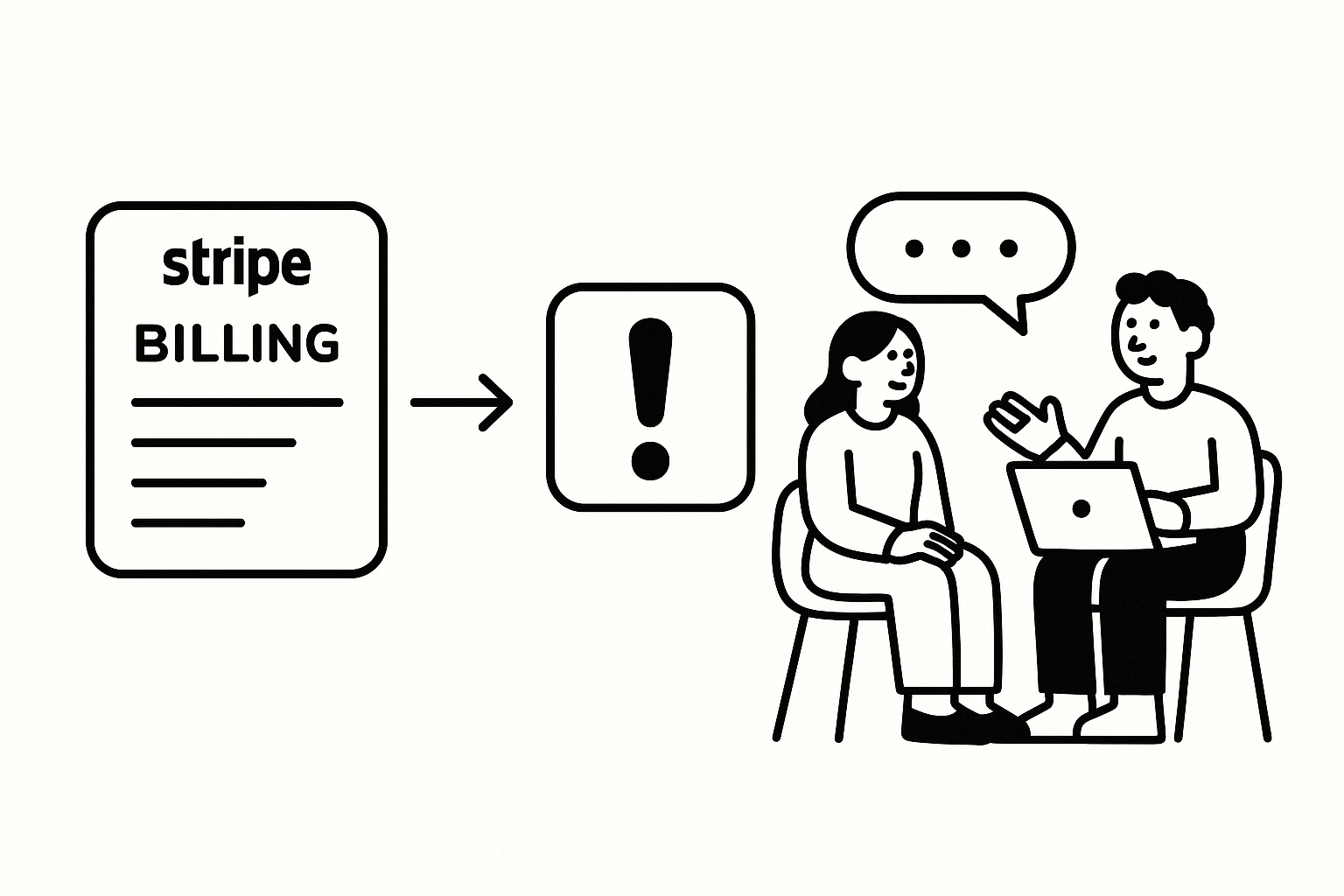
Stripe shows you what customers paid, upgraded, or cancelled — not why. Research triggers close that gap — when a Stripe webhook fires, Usercall invites the customer to a 2–5 min AI-moderated interview. Responses are synthesized into themes, not raw transcripts.
Cancellation dropdowns are a reporting artifact, not a research method. When someone cancels, “too expensive” often means “I never understood the value,” “switched to a competitor” often means “your workflow broke at one critical step,” and “missing feature” can hide a deeper trust or onboarding problem. Billing events happen at emotionally loaded moments, and checkbox answers flatten that complexity fast.
I’ve seen this repeatedly on subscription products with decent analytics and terrible explanation. On one B2B SaaS team of 18, we had a clean cancellation form and still misread churn for two quarters because users kept selecting price. In interviews, the real issue was implementation friction in week one; once setup lagged, the monthly fee became the easy excuse.
The billing moment is where post-hoc rationalization peaks. If you want the actual driver — pricing confusion, procurement friction, unmet expectations, or a competitor win — you need a short conversation while the context is still fresh. That’s exactly where AI-moderated interviews outperform forms: they probe, clarify, and surface tradeoffs instead of forcing people into your taxonomy.
Not every Stripe event deserves a trigger. These five do because they capture a decision, not just an action. A cancellation tells you why value collapsed. A downgrade tells you where packaging or seat logic overshot reality. A repeated payment failure often reveals procurement headaches, card limits, or internal approval friction long before “voluntary churn” shows up in a dashboard.
The non-obvious one is charge.succeeded on first payment. Most teams obsess over churn interviews and ignore the moment a user actually converts. That’s backward. If you learn what tipped them to pay — a specific feature, a teammate recommendation, a successful pilot, a procurement workaround — you get language and proof points you can feed back into growth, onboarding, and sales.
Use a backend webhook, not a JS SDK shortcut. Billing events are system events, and they belong in your server-side integration layer where you can verify signatures, enrich payloads, and apply trigger logic safely.
// Register via Stripe CLI or Dashboard
// stripe listen --forward-to localhost:3000/stripe-webhook

// Or via API:
const webhook = await stripe.webhookEndpoints.create({
  url: "https://yourapp.com/stripe-webhook",
  enabled_events: ["customer.subscription.deleted", "customer.subscription.updated"]
});
If you’re serious about stripe user interviews, this is the foundation. Don’t ship interview triggers off front-end events when Stripe already gives you authoritative billing state on the backend.
// stripe-webhook.js (Node.js / Express)
app.post("/stripe-webhook", express.raw({ type: "application/json" }), async (req, res) => {
  const sig = req.headers["stripe-signature"];
  const event = stripe.webhooks.constructEvent(req.body, sig, process.env.STRIPE_WEBHOOK_SECRET);

  if (event.type === "customer.subscription.deleted") {
    const sub = event.data.object;
    const customer = await stripe.customers.retrieve(sub.customer);
    await triggerUsercallInterview({
      event: "subscription_cancelled",
      userId: customer.metadata.userId,
      email: customer.email,
      traits: { plan: sub.items.data[0]?.price?.nickname, mrr: sub.items.data[0]?.price?.unit_amount / 100 }
    });
  }
  res.json({ received: true });
});
Verification is not optional. Stripe signs webhook payloads for a reason, and you should also enrich the event before you trigger research. Plan, MRR, account type, lifecycle stage, and owner segment make your later analysis dramatically more useful.
I ran a churn program for a PLG collaboration tool where we initially captured only email and cancellation date. We got interviews, but the analysis was muddy because enterprise trial drop-offs and self-serve starter churn were mixed together. Once we passed plan and revenue tier into the trigger, the patterns split cleanly: starter users had onboarding confusion; larger accounts had permissions and rollout blockers.
async function triggerUsercallInterview({ event, userId, email, traits }) {
  await fetch("https://api.usercall.co/v1/trigger", {
    method: "POST",
    headers: {
      Authorization: `Bearer ${process.env.USERCALL_API_KEY}`,
      "Content-Type": "application/json"
    },
    body: JSON.stringify({ event, userId, email, traits })
  });
}
This matters when volume spikes. If 120 trial users hit trial end this week, a human researcher can’t interview all of them. Usercall can, and it can cluster what those users said into themes you can actually act on.
Triggering everyone is lazy instrumentation. The goal is not maximum interview volume; it’s signal quality. Filter by plan, MRR, failed payment count, tenure, or account segment so you’re not wasting outreach on noise.
// Only trigger for customers on paid plans with MRR > $49
if (event.type === "customer.subscription.deleted" && traits.mrr >= 49) {
  await triggerUsercallInterview({ ... });
}
In practice, I usually set separate logic for high-value churn, trial non-conversion, and first-payment wins. They answer different questions and deserve different interview prompts. If you need the broader strategy for event-based outreach, this guide to research triggers is the right starting point.
Map your Stripe event names to the right Usercall trigger, define the audience rules, and set the interview prompt for that moment. Keep it narrow: one billing event, one decision, one learning goal. If you ask cancellation users about activation, roadmap priorities, and support quality in the same flow, you’ll get mush.
Billing events expose decision logic that product analytics simply cannot infer. A churn event tells you that revenue disappeared. It does not tell you whether the user failed to adopt, hit a pricing cliff, lost an internal champion, or found a better alternative. Metrics show the scar; interviews explain the wound.
I worked with a 12-person fintech product where upgrades looked healthy but expansion plateaued after month three. Product analytics suggested users were reaching feature ceilings, so the team planned more premium functionality. Interviews triggered from subscription upgrades showed something more useful: customers upgraded mainly to remove team friction and unlock admin controls, not to access advanced analysis. Packaging, not feature depth, was doing the work.
Trial-end interviews are usually the highest-leverage billing research you can run. At that point, the user still remembers onboarding, expectations, blockers, and what nearly convinced them. Ask after they’ve churned for 60 days and you’ll get vague summaries. Ask at trial end and you get specifics: “I couldn’t import historical data,” “my manager needed security answers,” “I loved it but couldn’t justify it for one use case.”
The same logic applies to repeated payment failures. Teams often route those straight to dunning emails and call it done. But for B2B products, repeated failures can be a gift: they reveal budget ownership, approval bottlenecks, invoice preferences, tax issues, and card policy constraints. Those are fixable if you actually hear them.
If you want strong prompts for these moments, these customer interview questions are a good starting set. And if you’re wiring multiple systems into one research pipeline, the same trigger pattern works from HubSpot CRM events and Intercom conversations, not just Stripe.
Close the loop by handling Usercall’s webhook response like any other system event. Usercall POSTs matched event payload, trigger run IDs, and the generated interview URL so you can log the trigger, notify a CSM, or attach the interview link to the customer record. Add a signing secret and verify the x-usercall-signature header so your downstream workflow stays trustworthy.
This is where the setup becomes operational instead of experimental. Once interview URLs, trigger IDs, and billing context are flowing through your systems, you can measure response rates by event, compare themes by segment, and prove which billing moments deserve intervention. That’s the difference between “we occasionally ask churned users what happened” and a durable stripe user interviews program.
The practical takeaway is simple: start with one event, usually subscription cancellation or trial_will_end, and get the pipeline working end to end. Then add segmentation, better prompts, and follow-up logic. Teams that try to automate every billing event on day one usually create noise; teams that start narrow usually discover one sharp insight within a week.
Billing events are one of many signals worth wiring into your research workflow — combine them with product usage data for a fuller view of the customer journey. Explore our product analytics integrations guide for more setups, and try Usercall to turn events like these into automatic interview invitations.
Related: capture churn reasons using PostHog workflows · trigger interviews from HubSpot CRM events · what research triggers are and how to set them up
