
 Table of Contents
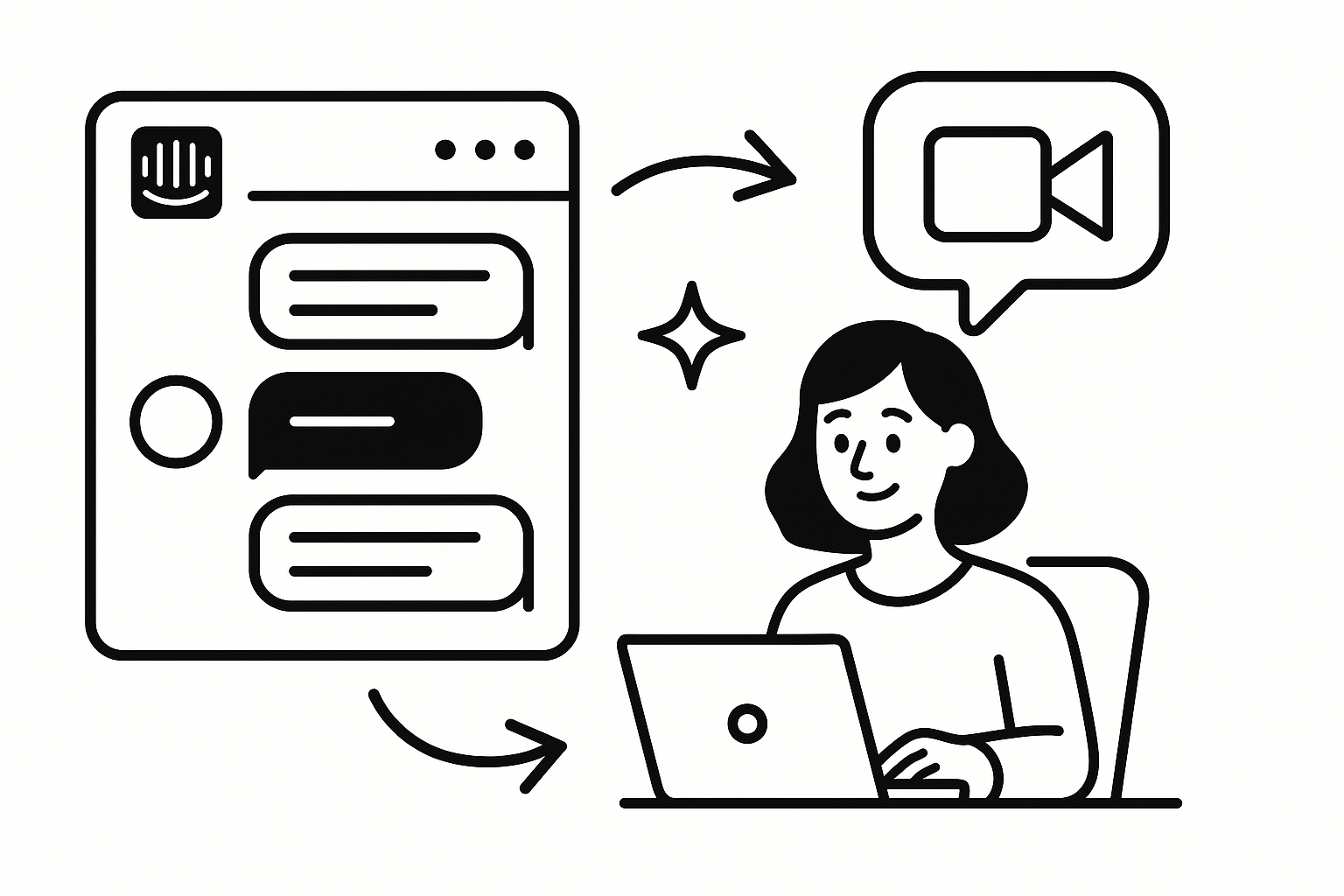
Intercom shows you what users asked for help with — not what they were trying to achieve, what nearly made them quit, or why the same issue keeps resurfacing across accounts. Research triggers close that gap — when an Intercom event fires, Usercall invites the user to a 2–5 min AI-moderated interview. Responses are synthesized into themes, not raw transcripts.
Most teams treat Intercom as a support system, then expect a weekly inbox review to double as research. That fails because support conversations are compressed for resolution, not understanding. Agents optimize for speed, macros, and closure. Researchers need causality, emotion, and unmet expectations.
I’ve seen this break on a 14-person B2B SaaS team where support was logging “billing confusion” as a top issue for months. When I interviewed those users directly, the billing UI wasn’t the real problem. The real issue was procurement timing at trial end. The ticket taxonomy was clean, and the diagnosis was wrong.
CS leaders also overweight memorable conversations. The loudest customers get discussed, while repeatable patterns in lower-drama threads get ignored. If you want intercom user interviews that produce usable insight, trigger interviews from specific support events, not from whoever happened to leave the biggest impression in Slack.
These events work because they capture moments of friction with context already attached. You know what happened, roughly when it happened, and what the support system thinks it means. The interview then tests whether that interpretation holds up.
The right architecture is simple: Intercom webhook to your backend, backend filters and enriches the event, then your server calls Usercall’s trigger API. Don’t try to fake this with browser-side hacks. Intercom is a backend support system, so your trigger flow should be backend-native too.
Start with the Intercom events you actually trust. In practice, I prefer a narrow webhook setup at first, usually one churn-related tag and one reopen event, because teams almost always over-trigger in week one.
// intercom-webhook.js (Node.js / Express)
app.post("/intercom-webhook", express.json(), async (req, res) => {
  const { topic, data } = req.body;

  if (topic === "conversation.tag.created" && data.item.tag.name === "churn-risk") {
    const contact = data.item.conversation_parts.conversation_parts[0];
    await triggerUsercallInterview({
      event: "churn_tag_applied",
      userId: contact.author.id,
      email: contact.author.email,
      traits: { source: "intercom", tag: "churn-risk" }
    });
  }
  res.json({ ok: true });
});
On one PLG team with about 40,000 monthly actives, we started by triggering only on churn-risk tags from support managers, not all agents. That cut noise by roughly 60% and gave us a cleaner dataset of high-stakes conversations before we expanded coverage.
This is the handoff point where support signal becomes research. I like Usercall here because it supports AI-moderated interviews with deep researcher controls, so you can keep the interview short, targeted, and consistent instead of asking support reps to improvise follow-up questions.
async function triggerUsercallInterview({ event, userId, email, traits }) {
  await fetch("https://api.usercall.co/v1/trigger", {
    method: "POST",
    headers: {
      Authorization: `Bearer ${process.env.USERCALL_API_KEY}`,
      "Content-Type": "application/json"
    },
    body: JSON.stringify({ event, userId, email, traits })
  });
}
The practical win is scale without transcript chaos. Usercall handles research-grade qualitative analysis at scale, so when 40 or 80 triggered interviews come in, you get themes, contrasts, and evidence you can actually use in roadmap or retention reviews.
Pre-filtering is where most quality is won or lost. If you trigger on every support event, you’ll flood users, dilute your sample, and learn nothing except that people don’t enjoy being over-interviewed. Filter by plan, lifecycle stage, conversation count, issue class, or recent research participation.
// Only trigger for users with 3+ conversations on the same topic
if (data.item.conversation_count >= 3 && traits.plan === "trial") {
  await triggerUsercallInterview({ ... });
}
I learned this the hard way on a 9-person fintech product team. We initially triggered on any “payments” tag because leadership wanted urgency. We got plenty of responses, but half were edge-case compliance questions. Once we restricted triggers to trial users with repeat contacts and no recent activation event, the insights sharpened immediately: the real issue was first-deposit anxiety, not payments literacy.
If you need help designing those conditions, this guide to research triggers is the right starting point.
In Usercall, create a trigger for the event name you’re sending, attach a short interview guide, and set frequency limits so the same person doesn’t get invited repeatedly. Keep the guide tight: what happened, what were they trying to do, what did they expect, what felt risky or confusing, and what they did next. If you need sharper prompts, use these customer interview questions as a base and trim aggressively for a 2–5 minute flow.
The best Intercom conversations for research are not the angriest ones. They’re the ones that reveal a mismatch between user intent and product logic. Product analytics can tell you that a user stalled before upgrade. Intercom can tell you they asked whether adding a teammate would lock them into annual billing. That difference matters.
Reopened tickets are especially valuable because they expose false resolution. A closed ticket often means “support replied,” not “the user’s mental model changed.” When someone comes back two days later with a variation of the same question, you’re looking at a broken explanation, a broken workflow, or both.
Multiple contacts on the same topic are another underused signal. I trust them more than NPS comments in many cases. A user who contacts support three times about exports, permissions, or trial limits is showing you a persistent gap between product design and real-world usage. That’s exactly where triggered interviews outperform dashboard analysis.
This is also where Usercall fits naturally alongside support tooling. Intercom tells you the moment worth investigating. Usercall catches that moment with an interview while the experience is still fresh, and its user intercept model can also be tied to key product or lifecycle events when you want to connect support friction back to behavioral data. If you’re building the broader system, the same pattern works for HubSpot CRM events and Stripe billing events too.
Once Usercall receives a matched trigger event, it can POST webhook payloads back to your system with the event data, trigger run IDs, and generated interview URL. That matters because research ops breaks when interviews disappear into a black box. You want the trigger, invite, and response flow tied back to the account, the support thread, and the downstream team that needs the learning.
If your security team cares about verification, use a signing secret and validate incoming webhook signatures. Keep the payload logging lean but sufficient: event name, user identifier, trigger timestamp, and interview status are usually enough for debugging without creating a privacy mess.
My rule is simple: if a PM, support lead, or retention manager can’t trace why an interview was sent and what event caused it, the system won’t survive its first internal audit. Good research automation is observable automation.
Intercom becomes a research engine when you stop mining the inbox manually and start listening at the right moments. The trigger should mark a meaningful pattern: first confusion, failed resolution, churn risk, or repeated contact. Anything broader turns your sample into noise.
The best intercom user interviews are short, immediate, and event-aware. That’s why I recommend a webhook-to-Usercall flow: support events identify the right users, AI-moderated interviews capture the why while memory is fresh, and synthesis turns scattered conversations into patterns teams can act on. That is miles better than reading 200 tickets and pretending you’ve done qualitative research.
Support conversations are one of the richest, most underused signals for research — but Intercom is only one place they show up. Our product analytics integrations guide walks through connecting support, product, and CRM data so you're never triggering interviews off a single source. When you're ready to set it up, Usercall plugs straight into Intercom.
Related: turning Zendesk tickets into user research · how event-triggered feedback works · setting up research triggers correctly
